
Operational stability
Stable performance for long-running worlds, heavier mod stacks, and communities that cannot afford random downtime.
DRACO NEST handles mods, backups, diagnostics, and operational control in one environment so you stop firefighting every update and every late-night crash.
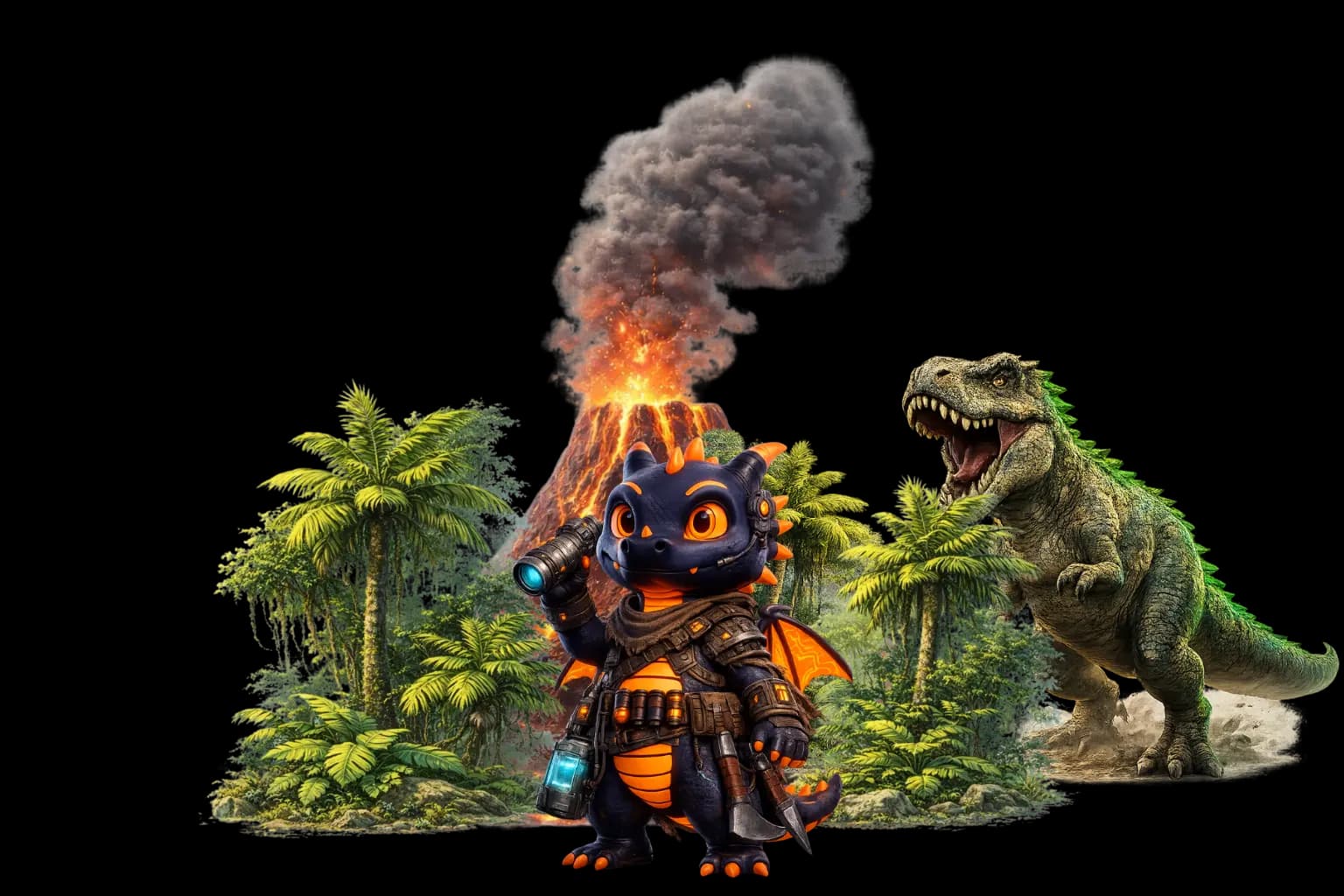
Running ARK: Survival Evolved is not just about getting a server online. Mods, updates, logs, and community expectations create real operational pressure. DRACO NEST is positioned to reduce that pressure so admins can lead the world instead of babysitting the stack.
One bad update or conflict can ripple through the whole community if your workflows are weak.
Multi-map communities need stronger operational discipline than generic one-click hosting usually offers.
Backups, diagnostics, and routine control belong in one place when the world keeps moving.
The real goal is not just uptime. It is keeping tribe activity, events, and momentum alive.
Stability, control, mod workflows, and fewer late-night firefights in one environment.
Stable performance for long-running worlds, heavier mod stacks, and communities that cannot afford random downtime.
Manage your server, backups, and routine operations from one place instead of stitching together five tools.
Handle mod workflows without turning every update into a fresh operational incident.
Automated backups and infrastructure protection reduce the blast radius when ARK decides to be brutal.
Less firefighting during routine server ops.
Get to the likely cause with less trial and error.
A steadier environment for updates, mods, and restarts.
Spend less time fixing issues and more time running the world.
Start with The Island for a classic experience or try Ragnarok for more resources and content.
Adjust taming, harvesting, and XP rates in server settings to match your community preferences.
Link multiple servers together so players can transfer characters and items between maps.
Browse available mods in the panel and install them with one click.
Move your community to an environment built to reduce chaos and return time to the people running it.
Create server now